

Disclaimer: This article provides general informational advice for small business owners and does not constitute formal legal, financial, or technical consultation. Always evaluate your specific operational needs before implementing software tools.
The Modern Customer Communication Dilemma
Small business owners often find themselves juggling dozens of customer conversations across social platforms every single day. Facebook Messenger in particular has evolved from a simple messaging tool into a primary storefront counter where customers ask about business hours, pricing options, shipping policies, and product details. Responding quickly to these inquiries can mean the difference between earning a new client and losing them to a faster competitor. However, attempting to answer every incoming message manually around the clock quickly leads to owner fatigue and delayed response times during busy store hours.
To keep up with incoming inquiries without spending all day glued to a phone screen, many entrepreneurs turn to modern messaging platforms. Solutions such as MessengerBot.app provide tools for structuring quick automated answers to routine questions so prospective buyers get immediate feedback even after business hours. Exploring software platforms like this offers one practical approach to organizing social outreach while maintaining consistent communication standards across all customer touchpoints.
Yet, a common concern among boutique shop owners and service providers is that automated responses will make their brand feel distant or robotic. Nobody likes receiving a generic, unhelpful auto-reply that ignores their specific question. Fortunately, automation does not have to compromise authenticity. When implemented thoughtfully, automated messaging actually enhances customer service by addressing immediate baseline questions while reserving precious human time for deeper, high-value conversations.
When to Automate vs. When to Keep It Human
The secret to successful messaging automation lies in clear boundaries. Knowing exactly which inquiries benefit from instant automated replies and which demand personal attention ensures your workflow remains efficient without alienating your audience.
Automated responses excel at handling predictable, repetitive information requests. For instance, instant answers are ideal for displaying current operating hours, providing your store physical location or directions, sharing link resources to standard service menus, or outlining typical shipping timeframes. When a customer messages at midnight asking where to find your return policy, an automated message supplying the direct website link delivers immediate value without requiring staff to monitor notifications during off-hours.
Conversely, complex inquiries should always be escalated to a human team member. Questions regarding custom orders, billing adjustments, nuanced product recommendations, or sensitive customer complaints require empathy, critical thinking, and flexibility. If a message contains emotional nuance or a unique scenario, automated tools should simply acknowledge receipt, set realistic expectations for a follow-up time, and route the conversation straight to a designated staff member.
Best Practices for Crafting Natural Automated Tone
Making automated replies feel warm and helpful starts with copy design. The tone should match your brand voice while being entirely transparent about the automated nature of the greeting.
First, maintain honesty by letting the customer know they are interacting with an instant response system. Pretending an automated message is a live human often creates friction if the customer asks a follow-up question that the system cannot interpret. A greeting like, ‘Hello! Thanks for reaching out. Here is some quick info while our team reviews your message,’ establishes immediate clarity while staying friendly.
Second, keep message structures concise and focused. Avoid sending long walls of text that overwhelm mobile readers. Offer clear menu choices or direct links to help users self-select the information they need quickly. Finally, review conversation logs periodically to refine your trigger keywords and fix confusing response paths.
Checklist for Setting Up Business Messenger Automation
Use this simple step-by-step checklist when preparing your business messaging setup for optimal efficiency and customer satisfaction:
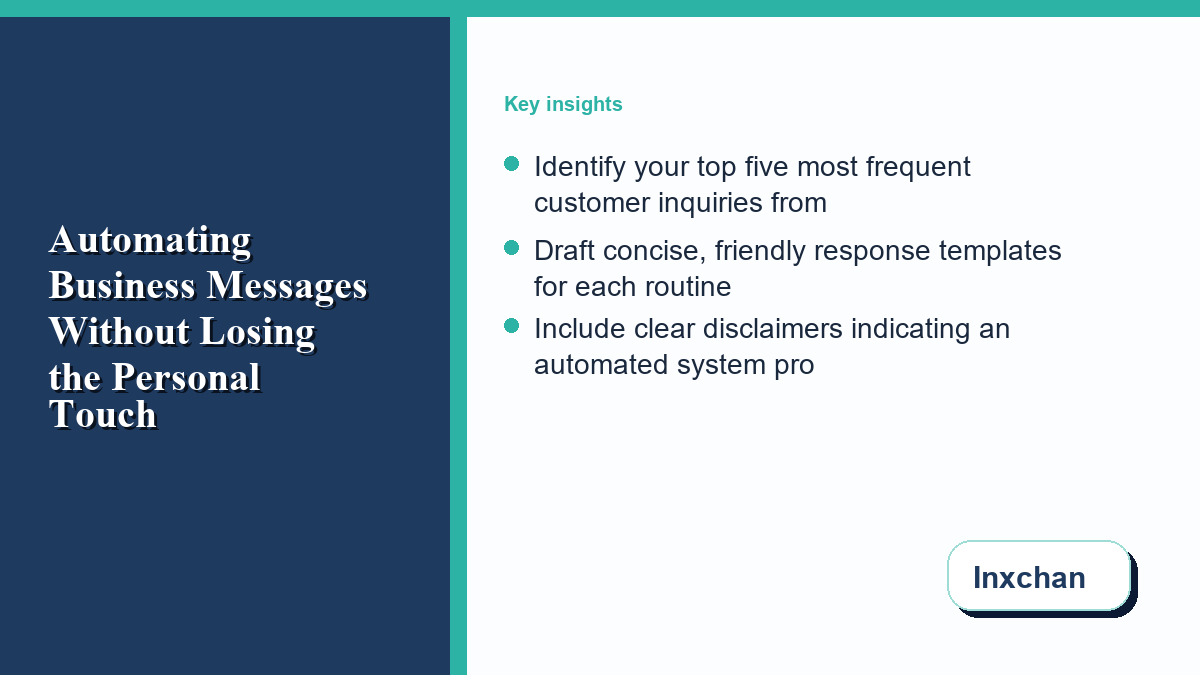
- Identify your top five most frequent customer inquiries from past inbox messages.
- Draft concise, friendly response templates for each routine topic identified.
- Include clear disclaimers indicating an automated system provided the instant reply.
- Establish an internal schedule for human team members to check and respond to escalated chats.
- Test all automated reply sequences from a personal account before setting them live.
- Review customer feedback monthly to update answers and refine response workflows.
Frequently Asked Questions
Will automated Messenger replies make my business seem cold or impersonal?
Not if you design them thoughtfully. Customers appreciate fast answers to simple questions like store hours or location. As long as your messages sound friendly and offer an easy pathway to reach a real person, automated replies actually improve customer satisfaction by eliminating wait times.
How quickly should a human follow up when an automated system cannot answer?
Aim to respond within a few business hours whenever possible. Setting expected response times directly in your initial greeting helps manage customer expectations so they do not feel ignored while waiting for human assistance.
Can small businesses set up messaging automation without technical experience?
Yes. Most modern messaging management tools offer drag-and-drop workflow builders and simple template options designed specifically for non-technical small business owners.
Final Thoughts
Finding the right balance between software automation and human connection allows small business owners to protect their time while delivering outstanding customer service. By automating routine inquiries and dedicating personal energy to complex interactions, your business can build stronger customer relationships around the clock.
0 Comments